Connect to Free Groq using an API key in 1 minute
Create a Groq account at https://console.groq.com/login using email or Google login.
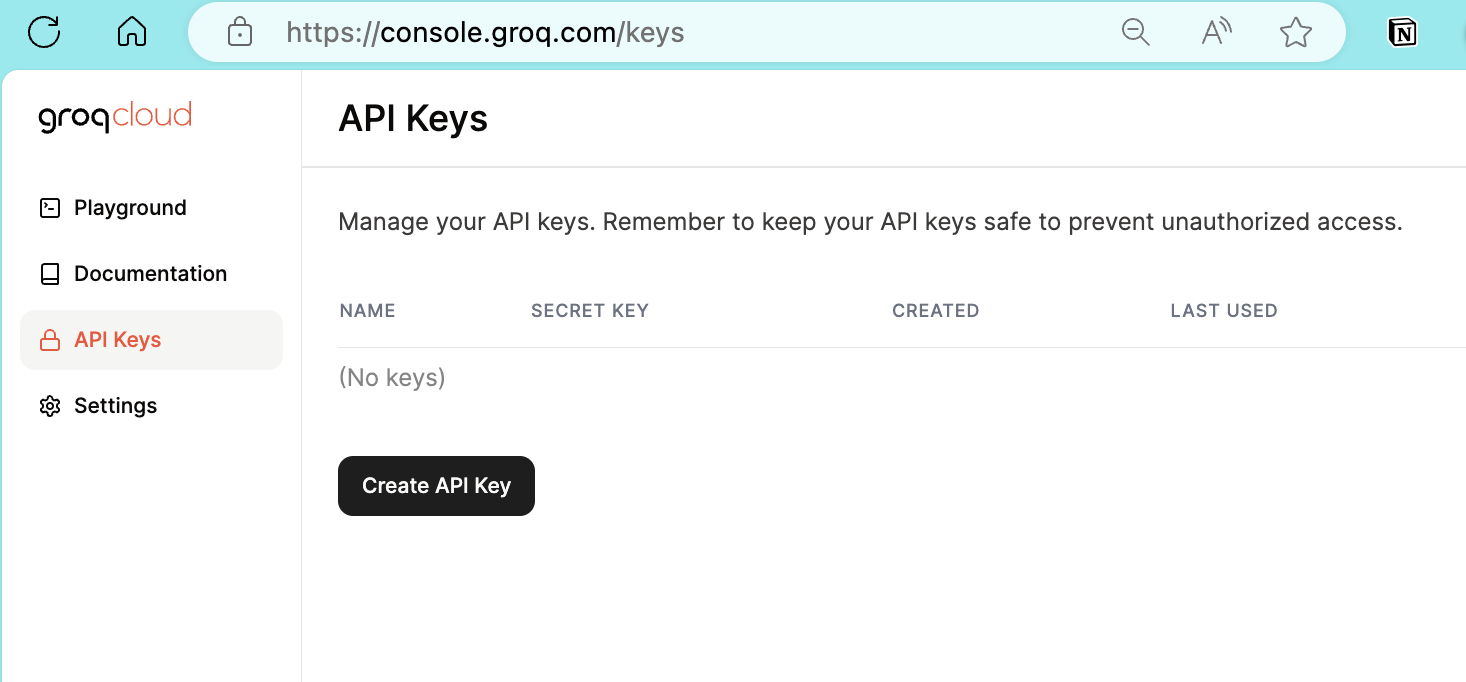
Navigate to https://console.groq.com/keys, then choose Create API Key
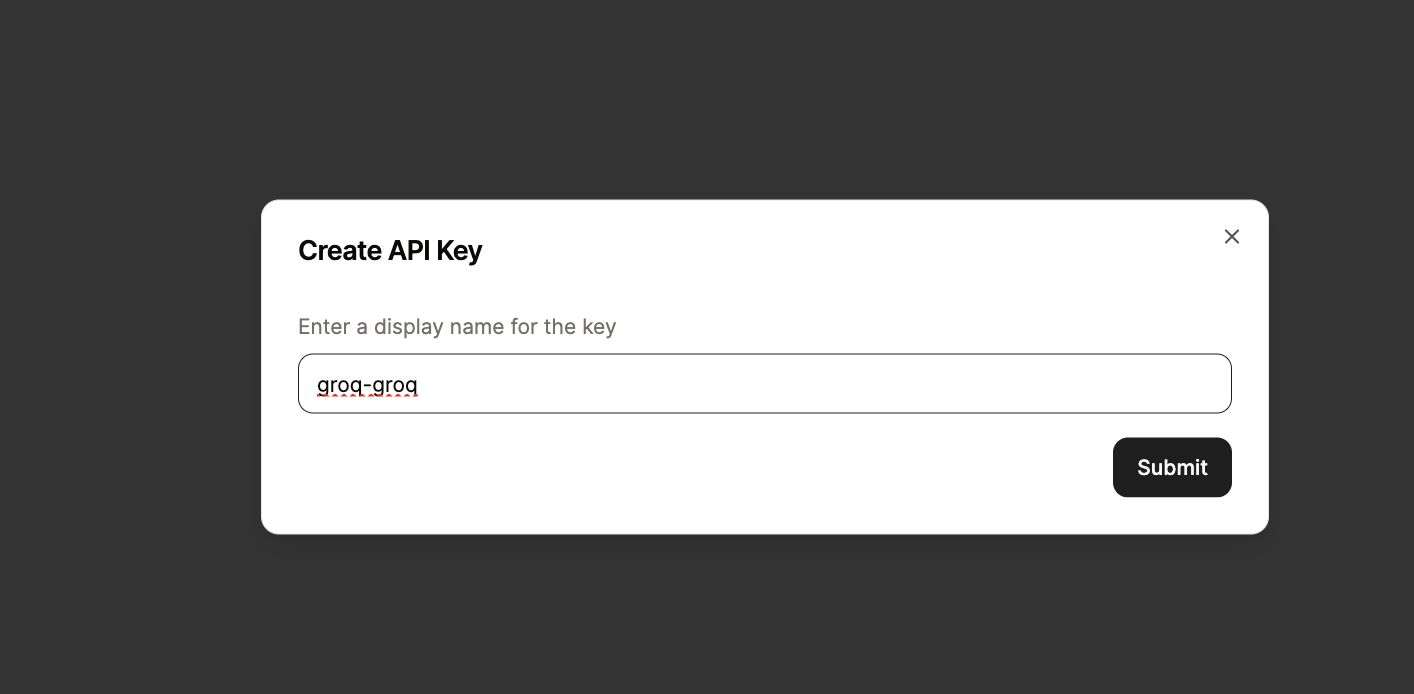
Name your key as you wish, then click Submit
Click copy on the generated key. Important: Keep your API Key private. Please do not share it to avoid unauthorized use.
Add the key to the add-on.
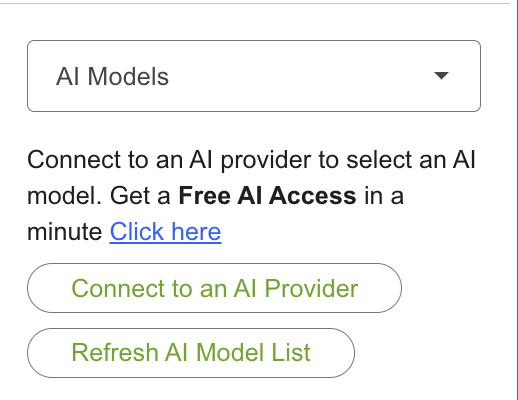
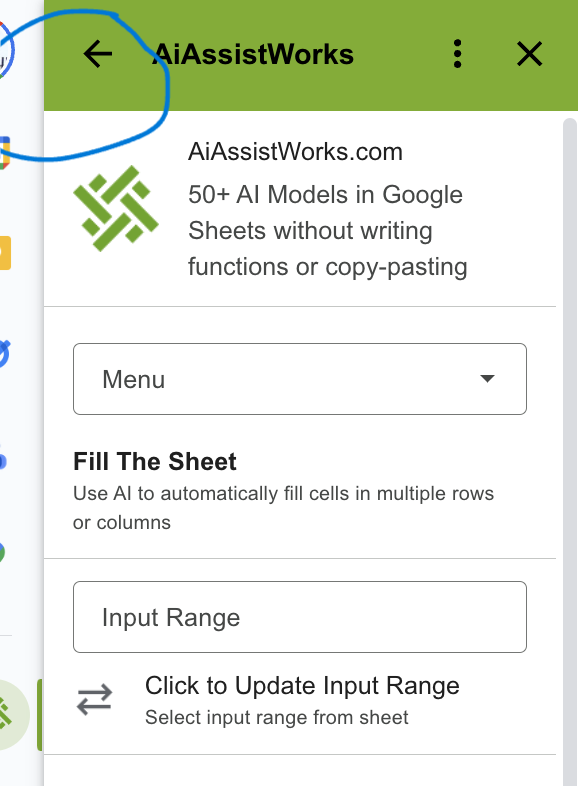
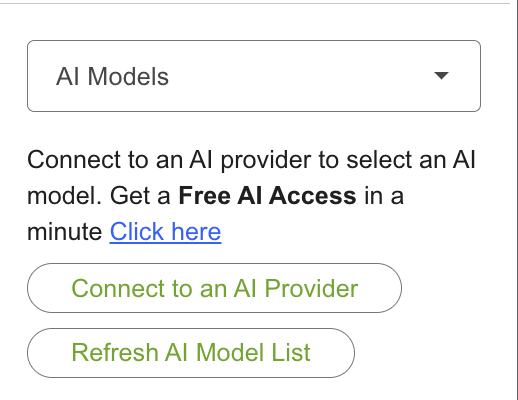
If you are on the Fill the Sheets or Analyze Page, click Connect to an AI Provider or go to Menu → Settings → API Key Settings
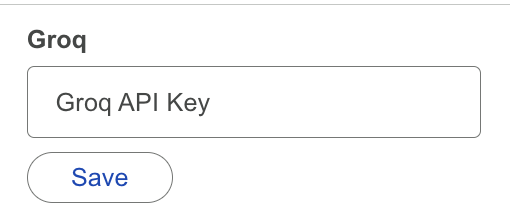
Paste the value in the Groq section, then click Save.
Click the arrow in the header above to go back to the previous page.
If you are on the Fill the Sheets or Analyze Page, click Refresh AI Model List to be able to select an AI model if the dropdown list is empty.
Need more help? Browse the Connect to AI Provider (using API key) category or contact our support team.
Once your API key is ready, plug it into AiAssistWorks to run 100+ AI models directly inside Google Sheets, Docs & Slides.
Use Your API Key Now