Connect to OpenAI using an API key.
Create an OpenAI account at https://platform.openai.com/signup or sign in if you already have one. This is a different account from ChatGPT.
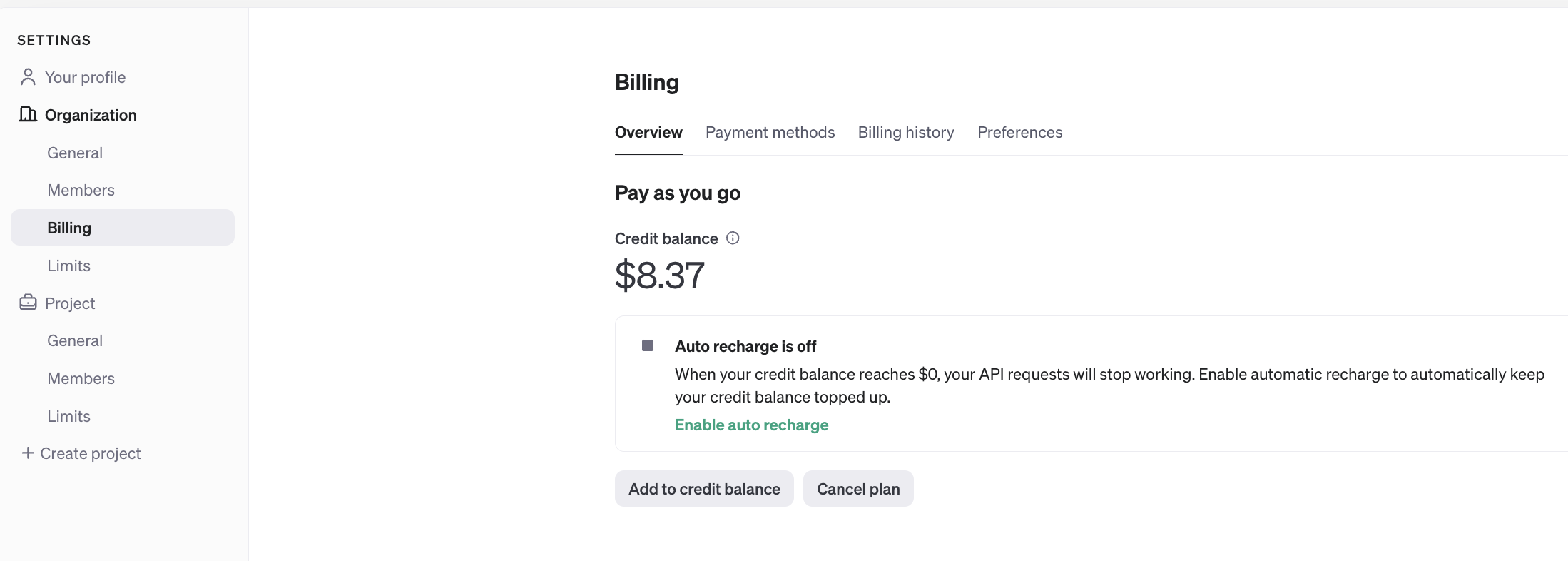
Navigate to https://platform.openai.com/settings/organization/billing/overview, then click "Add to credit balance". Adding $5 (Tier 1) is enough for most cases. Learn more about tier vs rate limit.
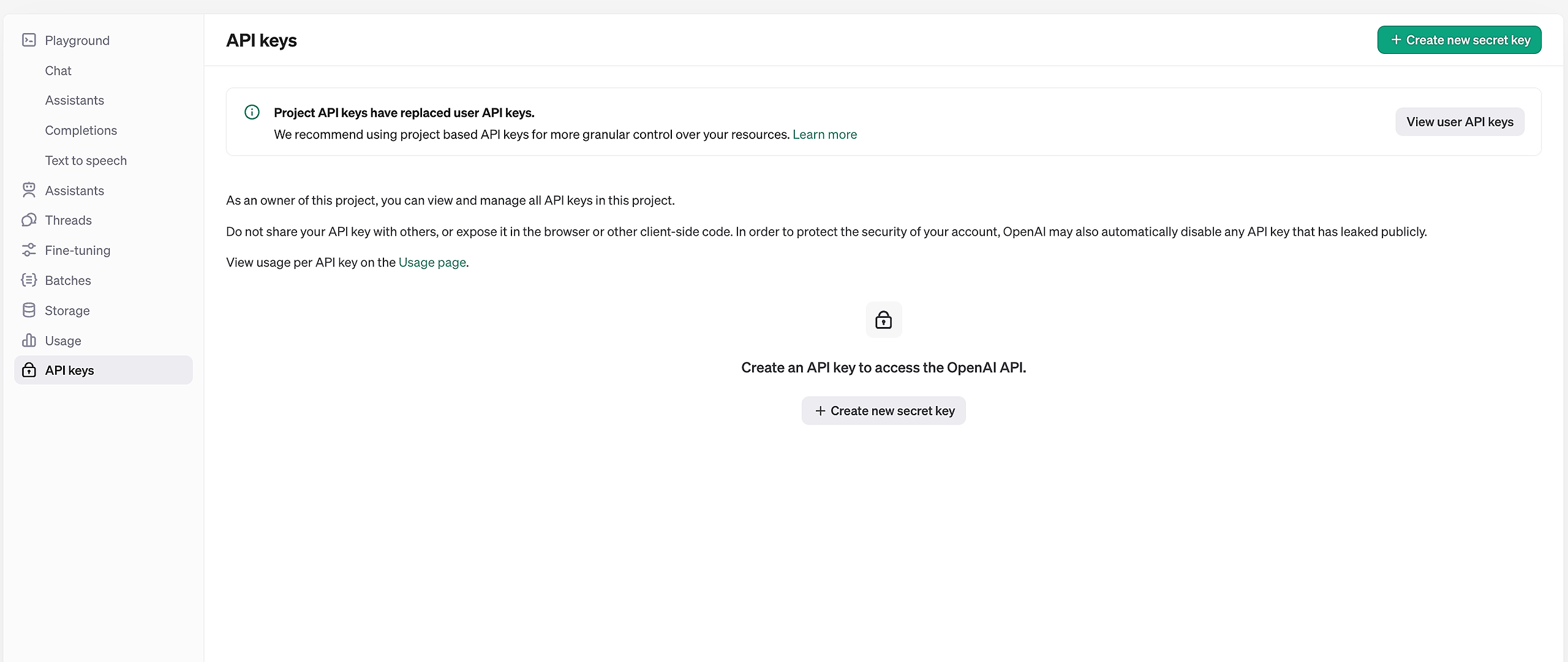
Navigate to https://platform.openai.com/api-keys, then click Create New Secret Key.
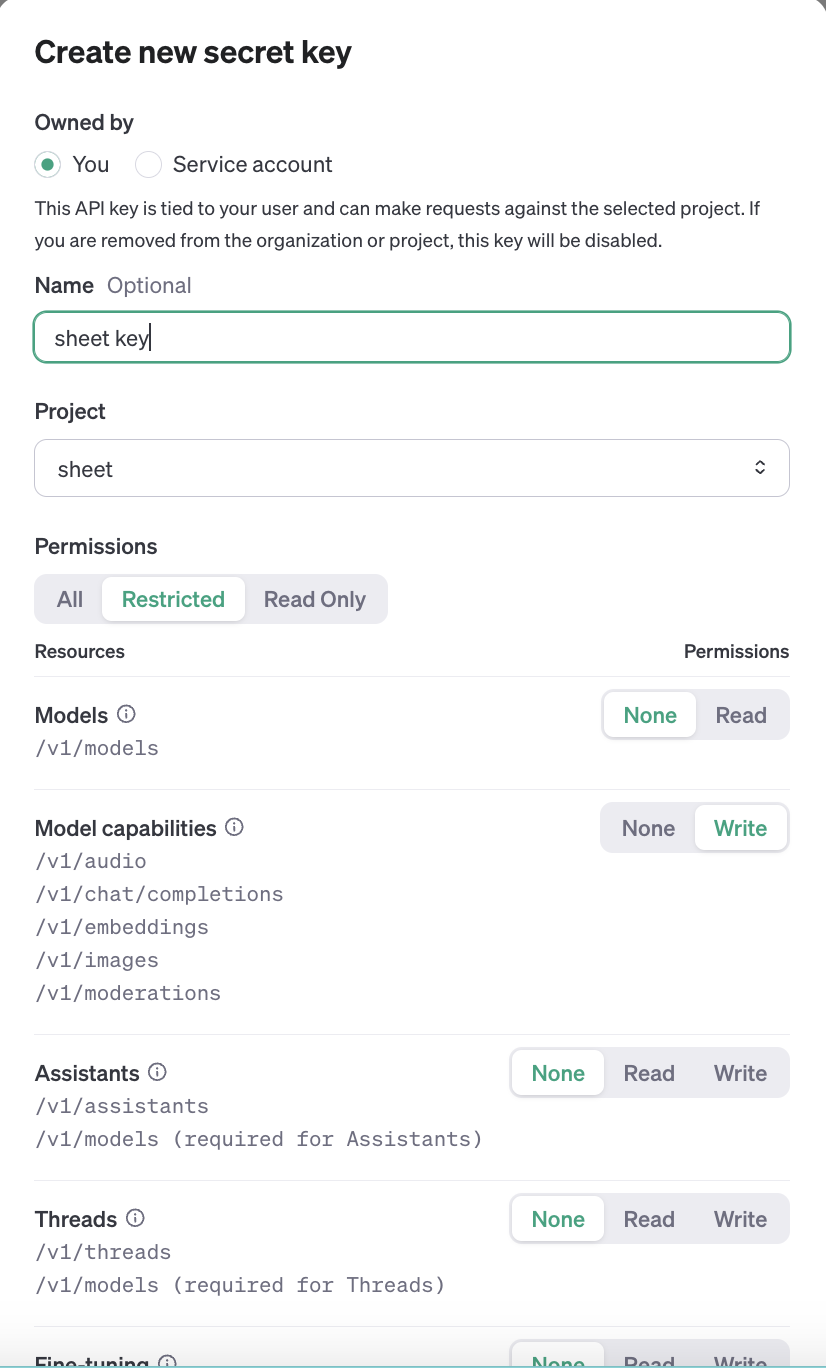
Click Create Secret Key. Optionally, you can choose a name. You can select All or Restricted for permissions, with at least Model capabilities set to write.
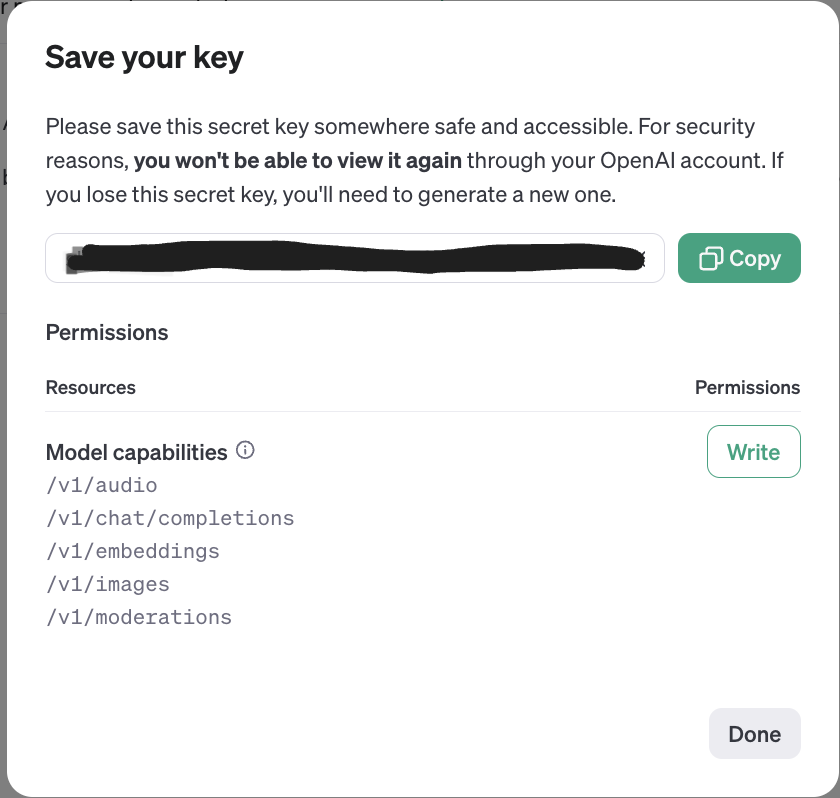
Click copy on the generated key. Important: Keep your API Key private. Please do not share it to avoid unauthorized use.
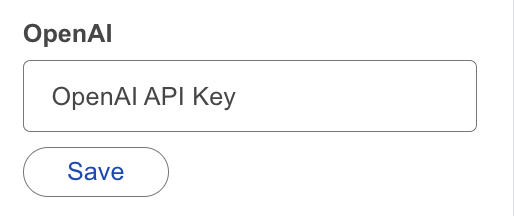
On the Add-Ons, go to Settings → API Key Settings. Paste the value, then click Save.
Need more help? Browse the Connect to AI Provider (using API key) category or contact our support team.
Once your API key is ready, plug it into AiAssistWorks to run 100+ AI models directly inside Google Sheets, Docs & Slides.
Use Your API Key Now